
The Best Chrome Extensions for Klaviyo Marketer
How much time do you spend on tasks that happen around Klaviyo? Checking links, building UTMs, debugging tracking events, managing 15 open tabs? If you are like most email marketers, the answer is, more than you think.
The right Chrome extensions cut that time down significantly. They reduce QA errors, keep your attribution clean, and help you move faster on campaign day. This guide breaks down the best Chrome extensions for Klaviyo marketers by category, shows you how to use each one, and highlights which tools deserve a permanent spot in your browser.
And if you want one extension that handles your Klaviyo flow audits, bulk segment setup, agency account management, and hidden analytics all in one place, we will cover that too.
| Extension Category | What It Does | Best For |
|---|---|---|
| AIM by Aimerce (Klaviyo Chrome extension) | Audits flows, bulk imports segments, analytics, campaign setup | Klaviyo marketers, DTC brands, agencies |
| Link checker (Check My Links) | Scans all page links and flags broken or redirected URLs | Email QA before send |
| Accessibility checker (WAVE) | Flags contrast issues, missing labels, WCAG errors | Email and landing page QA |
| Responsive preview | Simulates screen widths for mobile, tablet, desktop | Landing page QA |
| UTM builder | Generates consistent UTM parameters from templates | Campaign attribution |
| URL parameter editor | Adds/removes query parameters from URLs | QA testing different variants |
| Cookie-Editor | Creates, edits, and deletes cookies for the current tab | On-site debugging |
| Network inspector (DevTools) | Verifies tracking events are firing correctly | Event validation and debugging |
| Tab manager | Groups, suspends, and restores tab sessions | Productivity during builds |
| Screenshot + annotation | Captures and marks up page sections for feedback | Creative review and approvals |
| Writing assistant (Grammarly) | Flags grammar issues and suggests clearer phrasing | Copy review and SMS |
1. AIM: Your smartest AI email marketer
If there is one Klaviyo Chrome extension that should sit at the top of every marketer's browser, it is AIM by Aimerce.
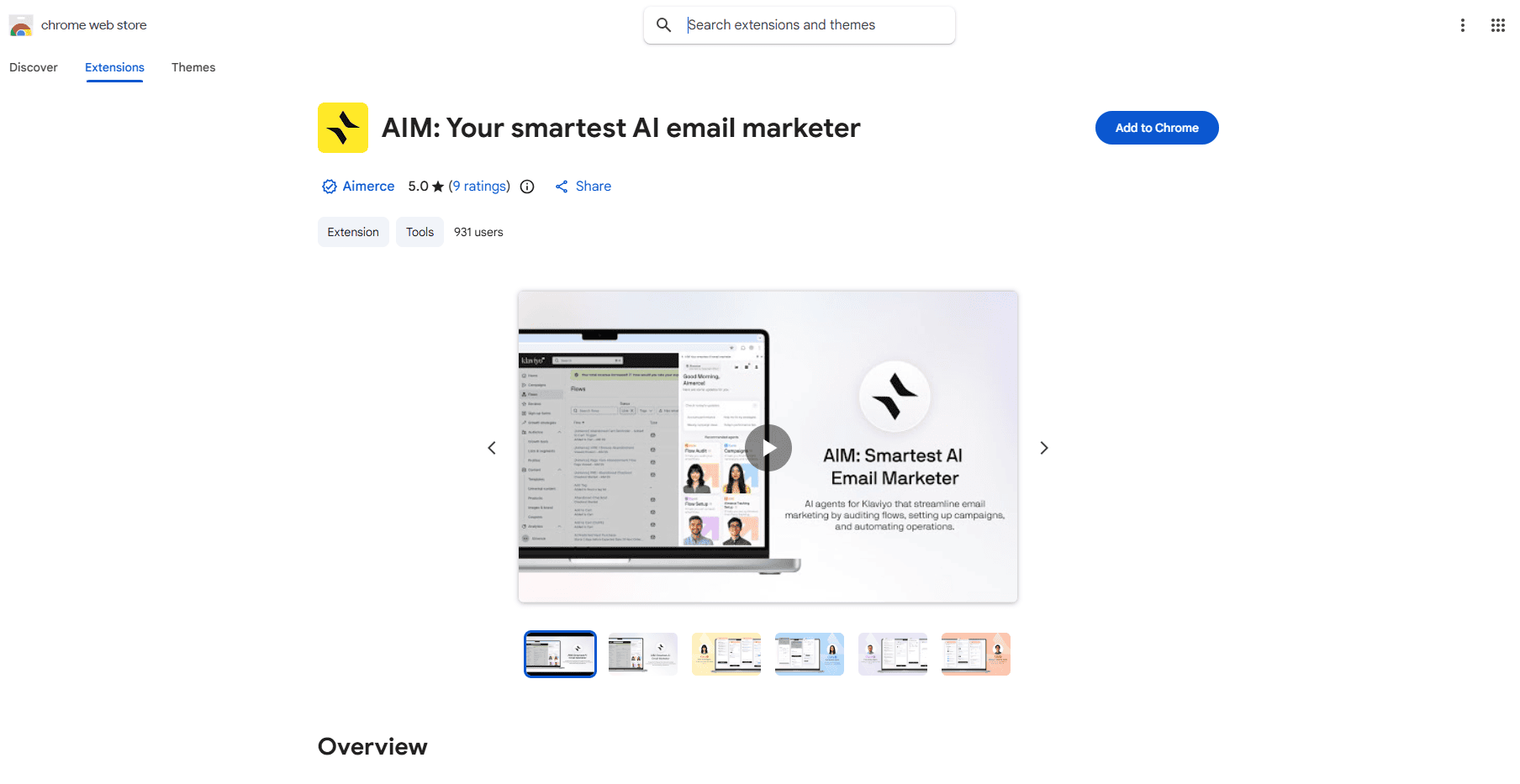
This is not a general productivity tool repurposed for email marketing. It is a purpose-built AI Klaviyo extension that works directly inside your Klaviyo account. Here is what it actually does:
- Flow Auditing - AIM includes both 1-by-1 and bulk Klaviyo flow audit capabilities. You can audit a single flow in detail or run a bulk audit across all flows at once, which means you will never miss a broken link in a Klaviyo flow again. Users report that audits that used to take hours now take minutes. The Flow Audit Agent compares your metrics to industry benchmarks and gives you specific, actionable recommendations, not generic advice.
- Flow and Campaign Setup - The Flow Setup Agent recommends proven flows including Welcome sequences (which can contribute 10 to 25% of email revenue), Checkout Abandonment flows (which can recover 15 to 25% more revenue), and Winback flows (which can re-engage up to 17% of lapsed customers). The Campaign Setup Agent creates targeted campaigns with optimized segments built in.
- Bulk Segment Import - Stop recreating the same segments from scratch in every account. AIM lets you save your best Klaviyo segment templates to a shared knowledge base and bulk create Klaviyo segments across multiple accounts in seconds. For agencies managing multiple Klaviyo accounts, this alone is a serious time saver.
- Klaviyo Hidden Analytics - One early Aimerce user discovered they were paying $14,000 per month when they could have downgraded to an $8,000 plan. That was $6,000 per month wasted across five months, all because a holiday campaign triggered an auto-upgrade and no one downgraded afterward. Aimerce Agents has helped brands save over $30,000 within 1.5 months by catching exactly this type of issue. Klaviyo does not surface everything you need to make smart decisions. AIM's analytics tab shows you data Klaviyo hides from view, including AOV (average order value), LTV (lifetime value), average repurchase time, and your actually engaged profiles. This matters because knowing your real engaged profile count helps you avoid overpaying on your Klaviyo billing plan.
- Multi-Account Management and Team Collaboration - AIM supports unlimited Klaviyo accounts on the agency plan ($49/month), making it one of the best Klaviyo agency Chrome extensions available, with 900+ active users and staggering 5.0 solid reviews on Google chrome. You can add team members, share flows and segments across your organization, and work collaboratively without re-doing setup for every new account.
- AIM is built with GDPR and CCPA compliance in mind - It does not store Klaviyo core data such as flow, campaign, or segment data. Most primary data is stored locally in your browser. Your data is not sold to third parties or used outside the extension's core functionality. A 14-day free trial is available. If you are already an Aimerce Pixel subscriber, the Agent is included at no extra cost.

Try Aimerce Pixel Risk-Free
for 30 Days
Most teams see results within 2 weeks.
Money-back guarantee.
It pays for itself, or you don't pay anything.
2. Check My Links (Link Checker)
Broken links in email campaigns are a hard lesson to learn after the fact. Check My Links scans every link on a page with a single click, highlights valid links, and clearly marks any broken or redirected URLs. It now also detects links from Google Docs and Excel sheets.
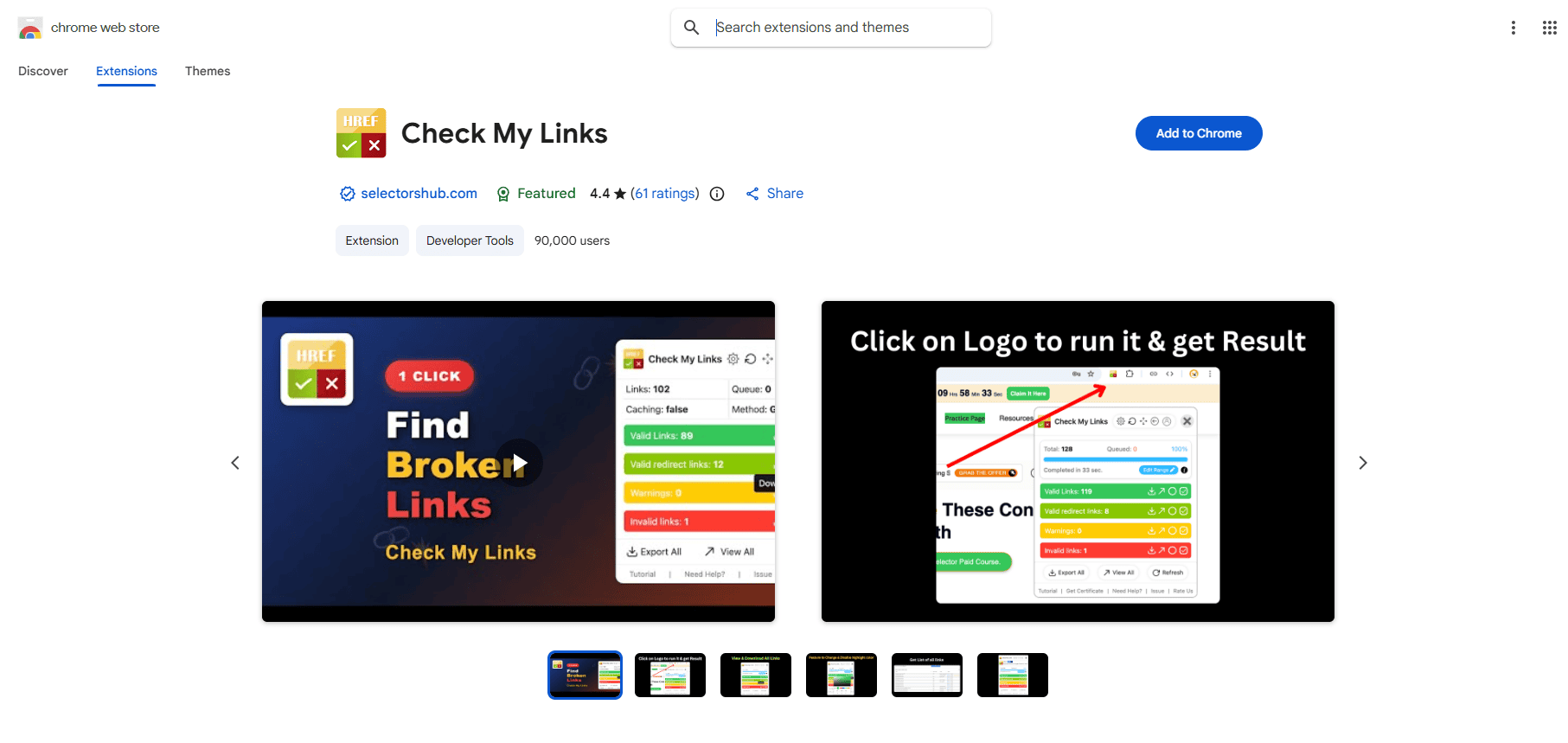
How to use it before a Klaviyo campaign send:
- Test your homepage link, top product links, and offer landing pages
- Check your unsubscribe and preference links
- Confirm that final URLs include the correct UTM parameters
Check My Links has a 4.4-star rating on the Chrome Web Store. The developer has confirmed that no user data is collected or sold.
3. WAVE Accessibility Checker
WAVE (Web Accessibility Evaluation Tool) is a free browser extension from WebAIM that identifies accessibility and WCAG errors directly on any webpage. It flags low-contrast text, missing form labels, and other issues that reduce readability and usability.
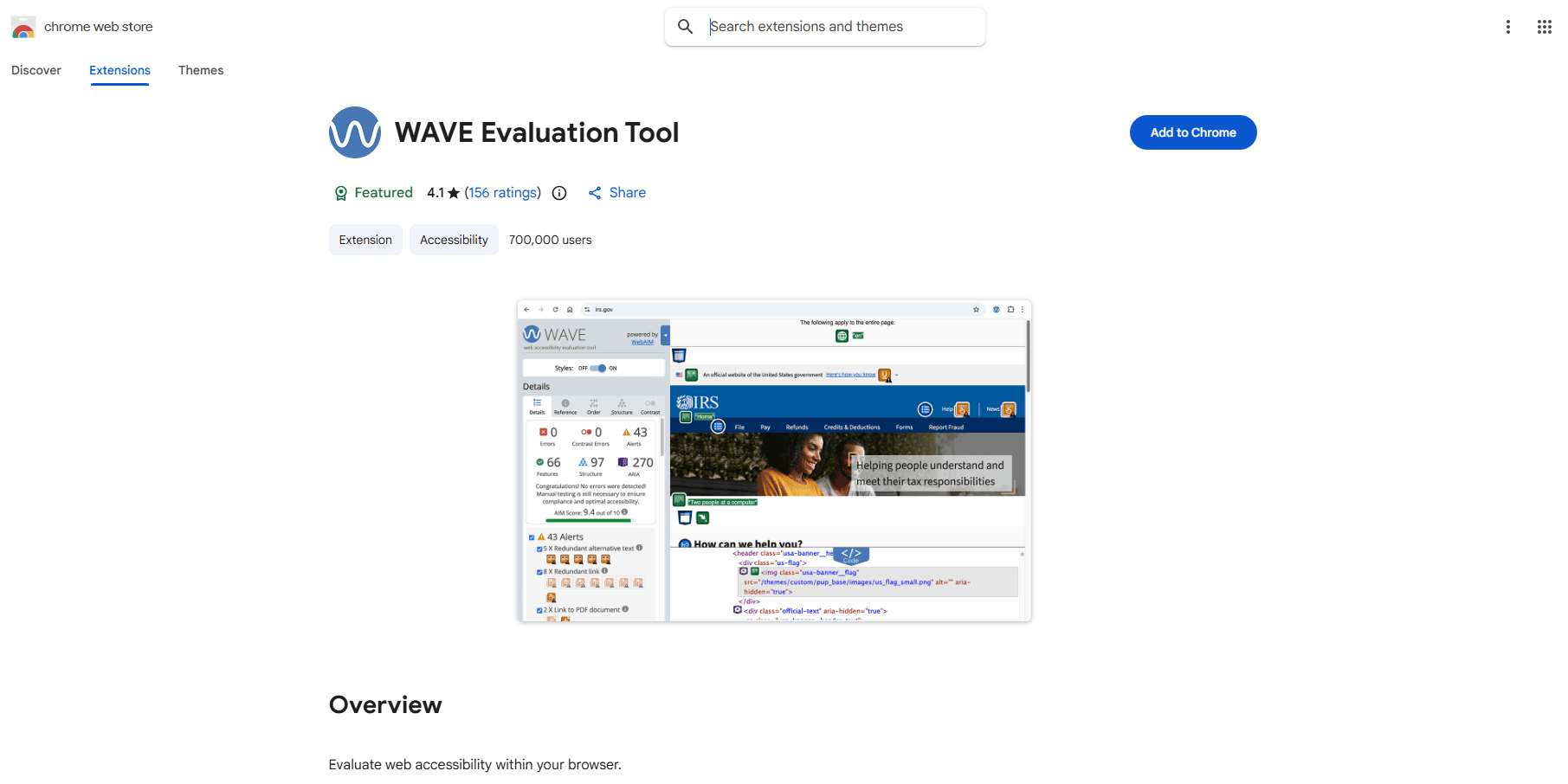
For Klaviyo marketers, use it to check:
- Button contrast on email landing pages
- Body text readability on image-heavy pages
- Link color differentiation from body text
WAVE is available as a Chrome, Firefox, and Edge extension and is especially useful for checking password-protected or locally hosted pages that the web version cannot reach.
Responsive Preview
Your Klaviyo email may look perfect in the preview pane, but the destination landing page might break at mobile widths. A responsive preview extension lets you simulate common screen widths instantly.
Save presets for:
- 390px (modern mobile)
- 768px (tablet)
- 1280px (desktop)
4. UTM Builder
A UTM builder extension lets you generate consistent, template-based UTM parameters without typing them manually each time. Messy UTMs create messy reports. If your team uses "email," "Email," "klaviyo," and "KlaviyoCampaign" as source values, they are all being treated as different traffic sources. A UTM builder extension solves this.
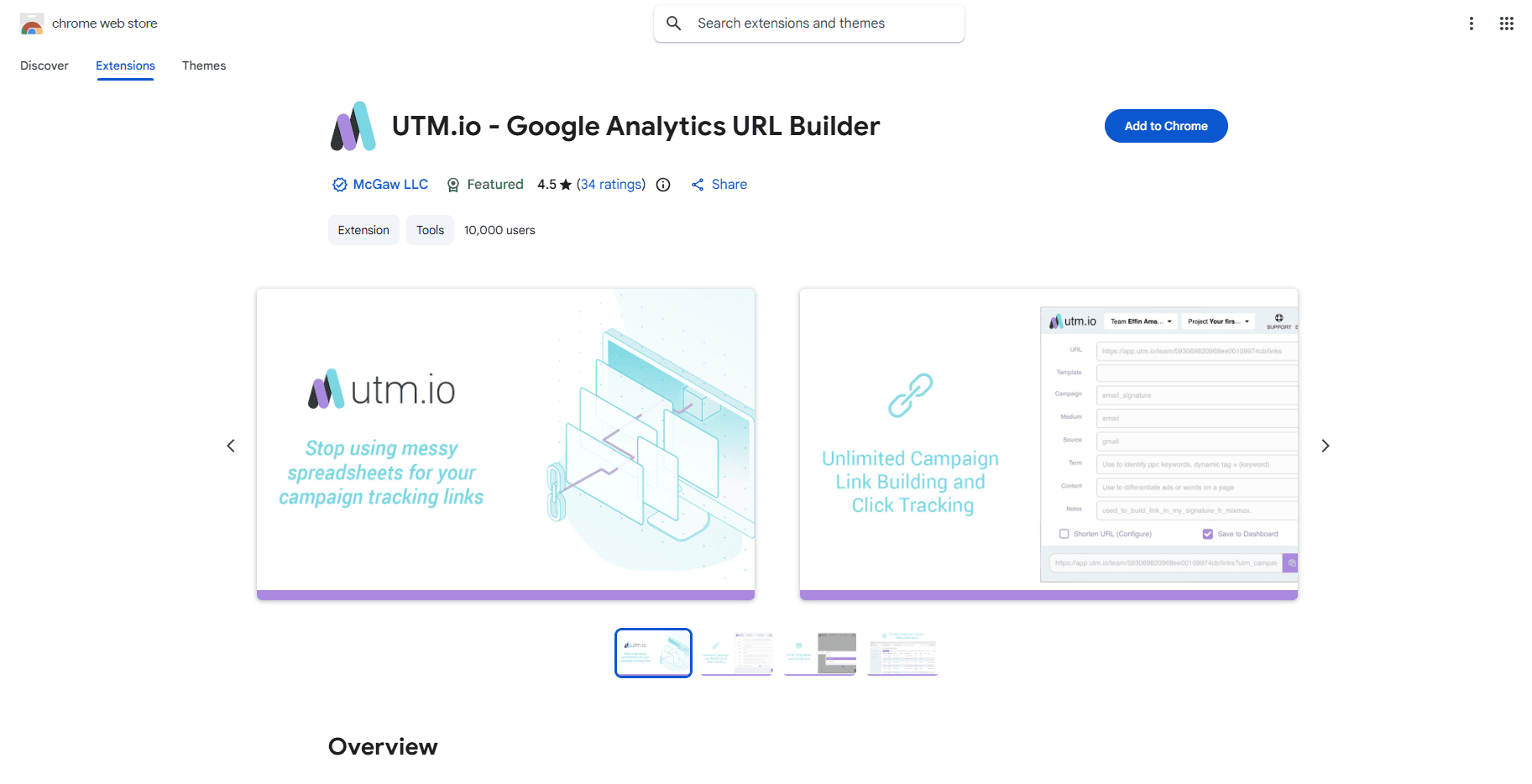
A simple UTM naming convention for Klaviyo campaigns:
- utm_source=klaviyo
- utm_medium=email
- utm_campaign=2026-03_spring-drop
- utm_content=hero_button (optional)
Keep a shared naming doc and enforce it through the extension template so every campaign, from every team member, uses the same format.
5. URL Params Editor
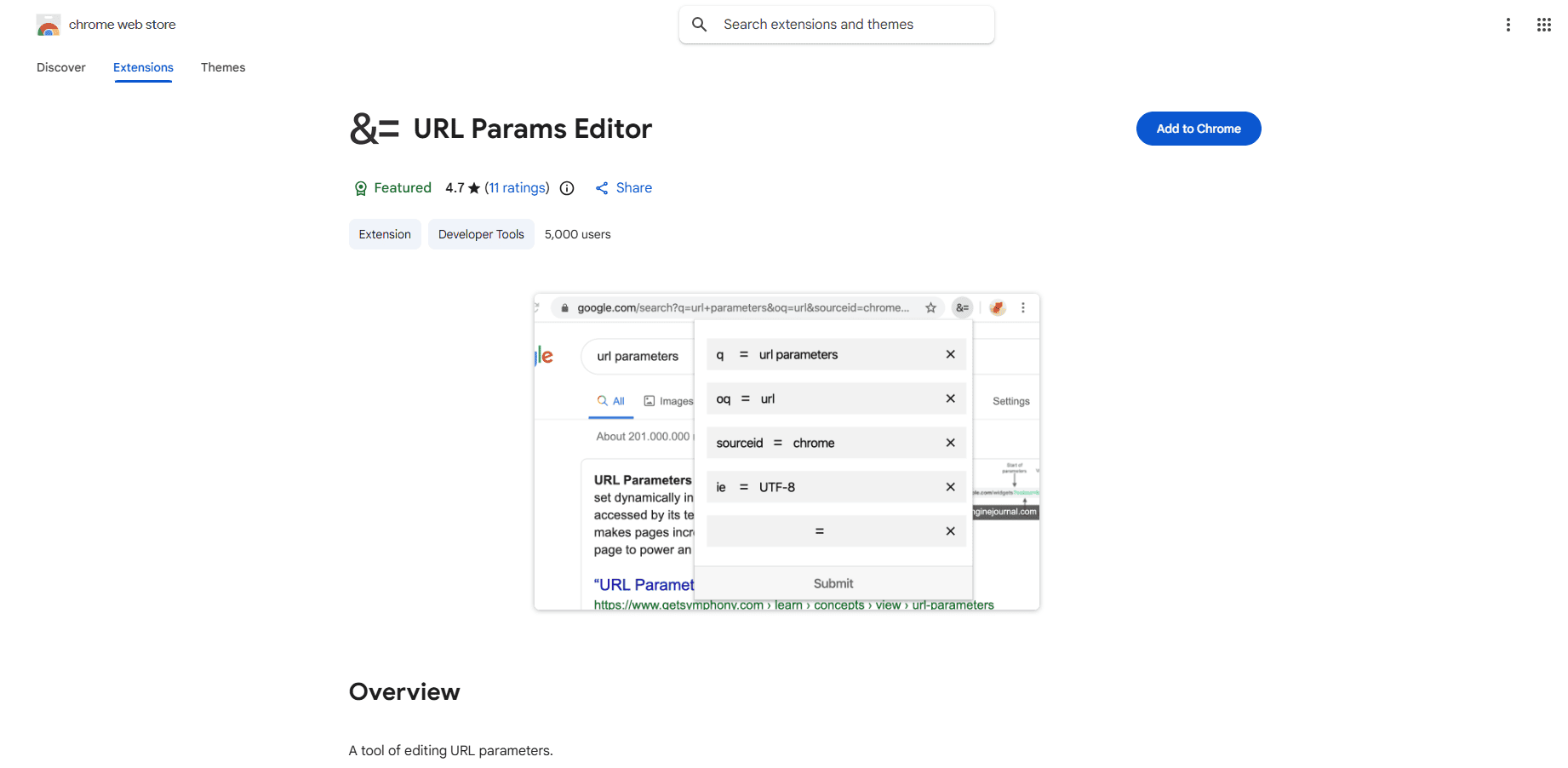 This extension lets you add or remove query parameters from a URL without editing it manually. Use it when QA testing:
- Links with and without a discount code
- UTM content variants
- Product page variants
6. Cookie-Editor
Cookie-Editor is an open-source, privacy-focused browser extension that lets you view, create, edit, and delete cookies for the current tab in a few clicks. You can also export and import cookies directly to your clipboard, which is useful for sharing test states.
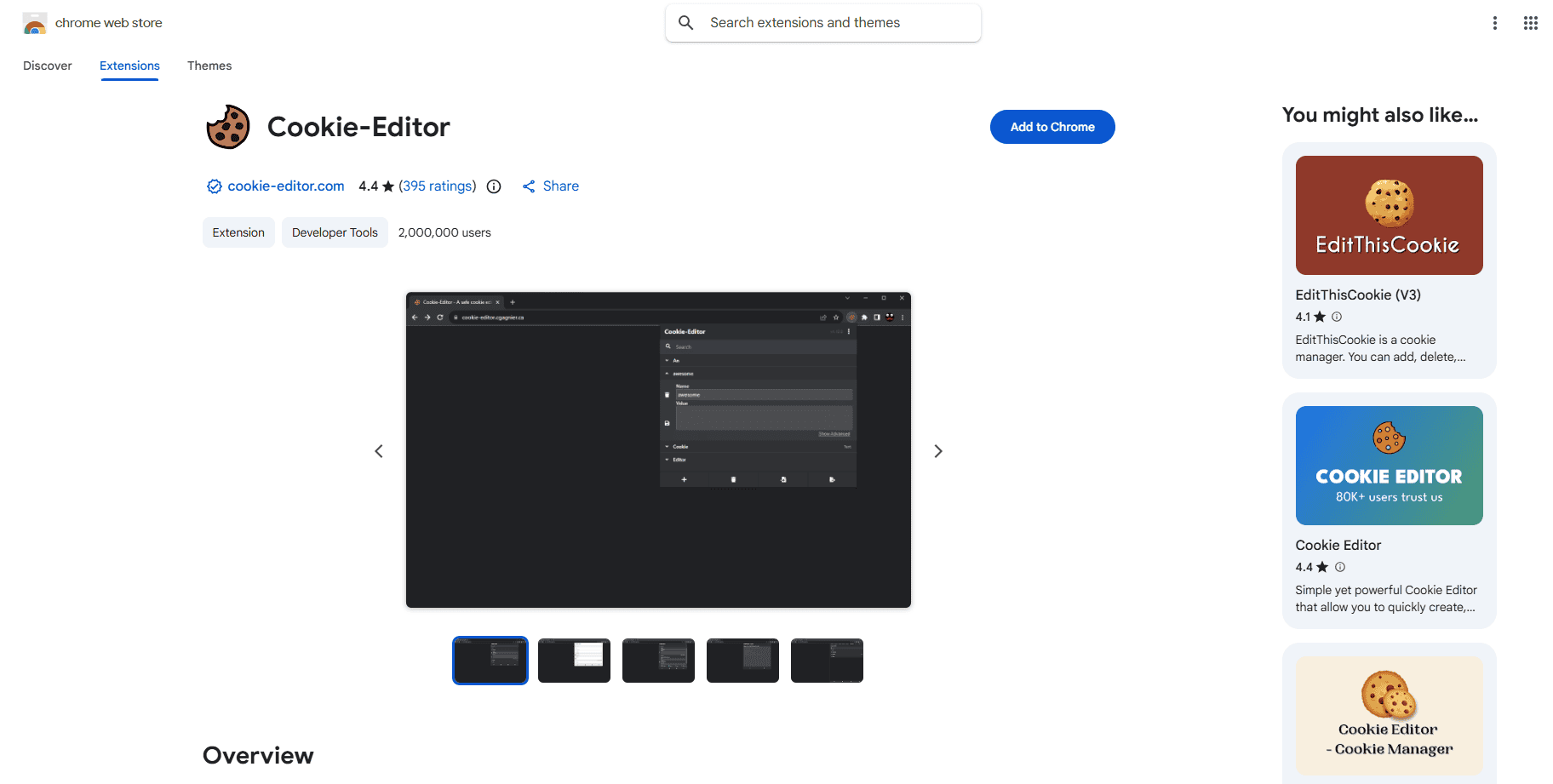
For Klaviyo marketers, cookies and local storage values are often the first thing to check when identity or personalization behavior fails unexpectedly. Maybe a session identifier did not set correctly, or a stored value is being overwritten.
Use it safely by inspecting on a test account rather than a live customer profile, and avoid taking screenshots that include identifiable data.
Cookie-Editor is open-source, available across Chrome, Firefox, Safari, Edge, and Opera, and focused on user privacy.
7. Tab Manager Plus
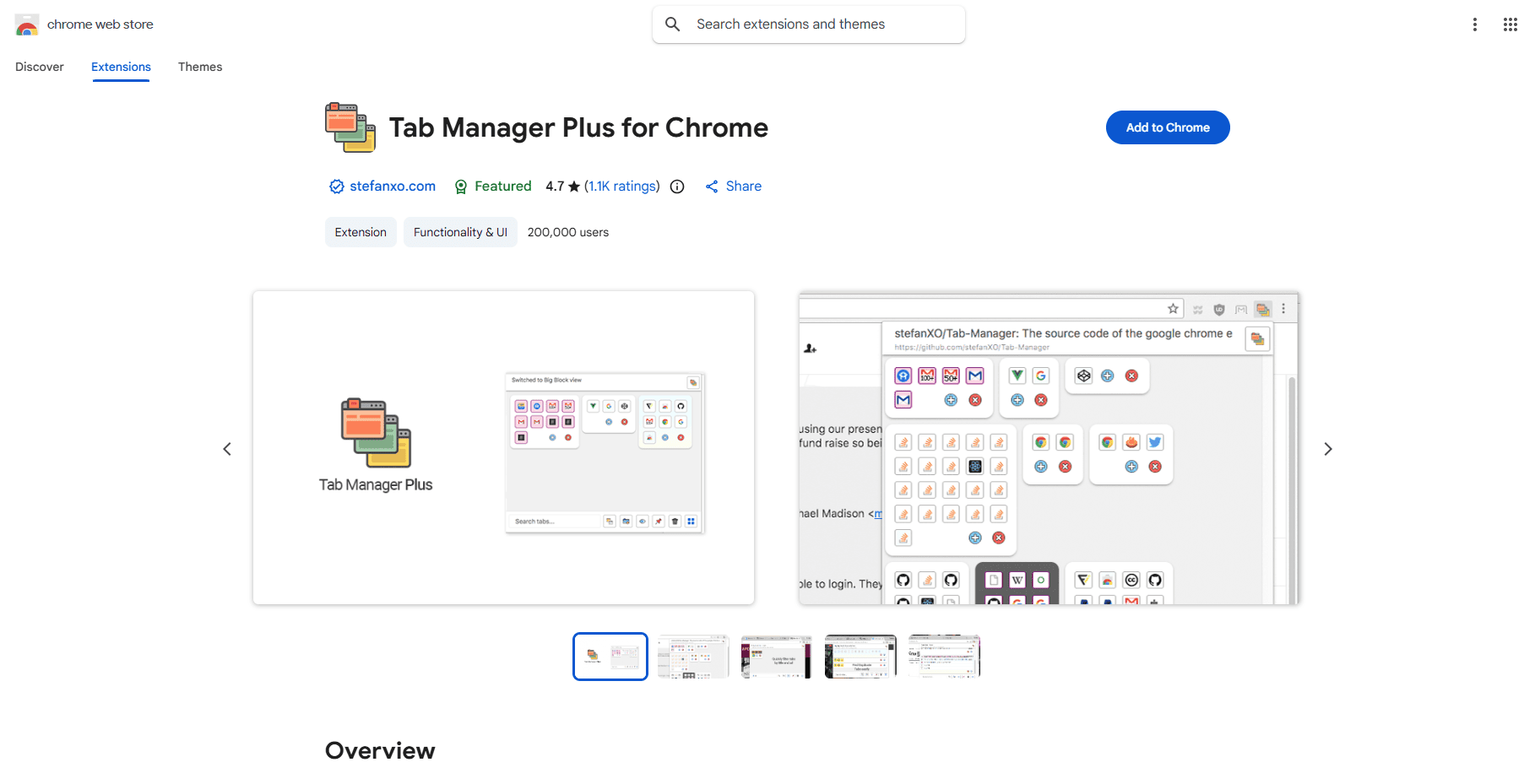
A single Klaviyo campaign review typically involves your Klaviyo account, Shopify product pages, creative files, analytics dashboards, and a QA checklist. A tab manager extension groups and suspends sets of tabs so Chrome stays fast and nothing gets lost mid-build.
8. Grammarly (Writing Assistant)
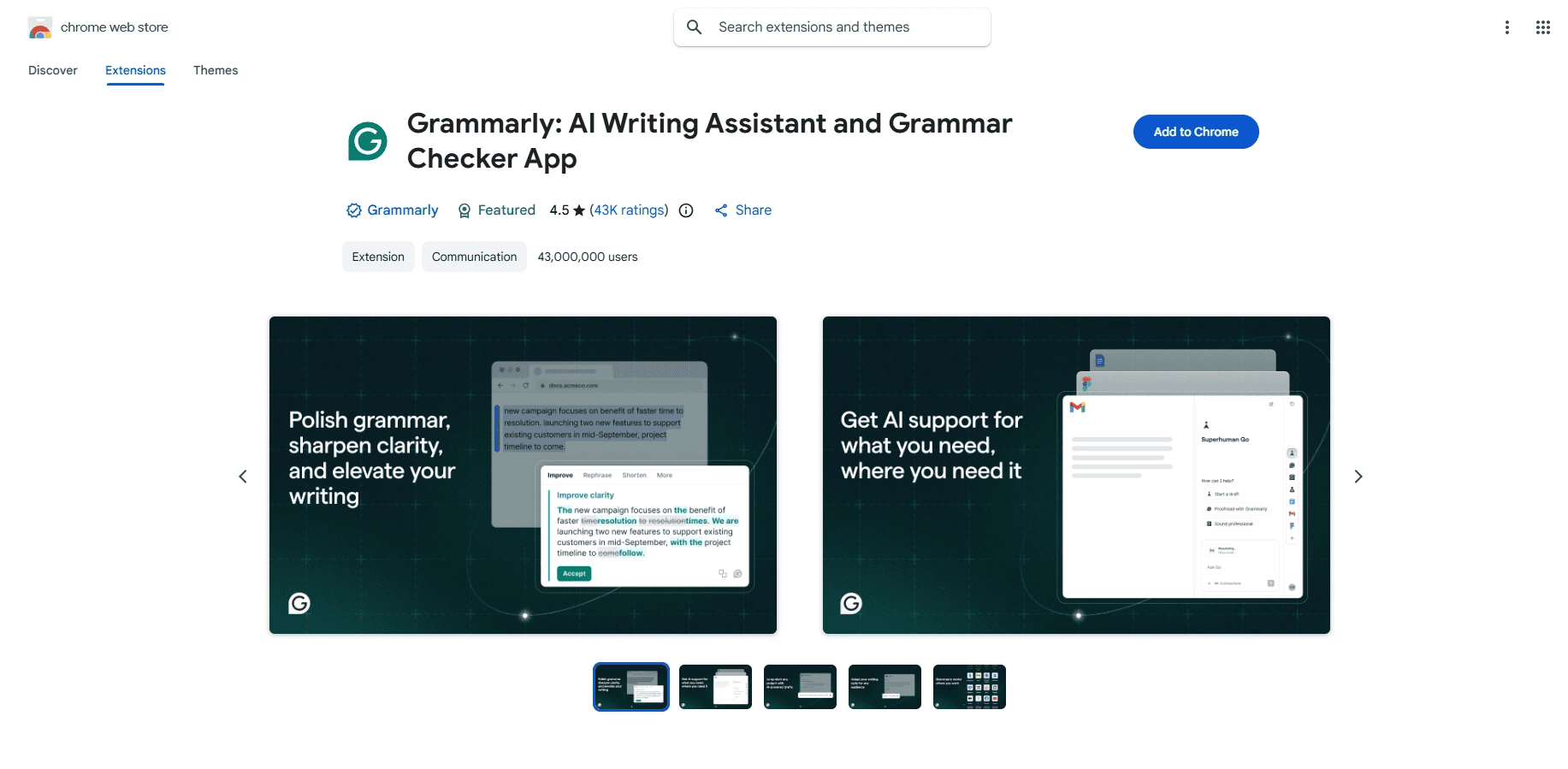
A grammar and clarity extension like Grammarly catches copy errors in preheader text, short-form SMS, and transactional email language before it goes out. One configuration note: restrict it from running on checkout pages, support inboxes, and admin tools to avoid it reading sensitive content.
Best Practices for Selecting Extensions
Before installing anything, filter with these four questions:
- Does it reduce QA risk or save time weekly? If it is a "nice to have," skip it.
- Can it be restricted to specific sites? Prefer extensions that run only on your storefront or admin domains.
- Does it handle customer data responsibly? Avoid tools that read page content on checkout, account pages, or support inboxes.
- Does it overlap with something you already have? Fewer tools mean fewer browser conflicts.
Review your extension list every quarter. If Chrome feels slow or your teammates cannot reproduce something you are seeing, extension conflicts are a likely cause.
FAQ
Do Chrome extensions replace proper tracking and analytics?
No. Extensions help you verify and debug what is happening in the browser. They do not fix structural data loss caused by ad blockers, cookie restrictions, or inconsistent identity resolution.
How many extensions is too many?
If Chrome slows down, pages behave oddly, or teammates cannot reproduce issues, you likely have overlap or conflicts. A short, intentional list works better than a crowded toolbar.
Can AIM by Aimerce help with Klaviyo GDPR compliance?
Yes. AIM's Campaign Setup Agent includes built-in GDPR and DSGVO compliance checks. The extension itself is also built with GDPR and CCPA compliance in mind, storing Klaviyo data locally on your browser rather than on external servers.
What is the biggest UTM mistake email teams make?
Inconsistent naming. Decide on a convention once, set it as the default in your UTM builder template, and enforce it across the team. Without consistent naming, your attribution data becomes unusable over time.
Is AIM by Aimerce only for agencies?
No. Solo Klaviyo managers and in-house ecommerce teams use it to speed up Klaviyo flow setup, catch flow errors, and access analytics Klaviyo does not show. The agency plan supports unlimited accounts and team members, but the core features are useful for anyone managing Klaviyo email marketing.
Build a Leaner, Faster Klaviyo Workflow
The best Chrome extensions for Klaviyo marketers are not about collecting tools. They are about cutting the friction that slows you down on campaign day.
A link checker catches the broken URL before 40,000 subscribers see it. A UTM builder keeps your attribution consistent across the entire team. Cookie-Editor helps you debug the session issue you have been stuck on for an hour. And AIM by Aimerce does the heavy lifting on Klaviyo flow audits, bulk segment creation, and account analytics so you can focus on strategy instead of setup.
Start with AIM. Add the QA tools that match your workflow. Keep the list short and intentional.
Add AIM to Chrome and start your 14-day free trial
30-Day Aimerce Pixel Free Trial